
Follow the steps below for a remote support session
1. Click here to download and run our Remote Support SOS app. No installation needed. This will launch the app, as seen below.
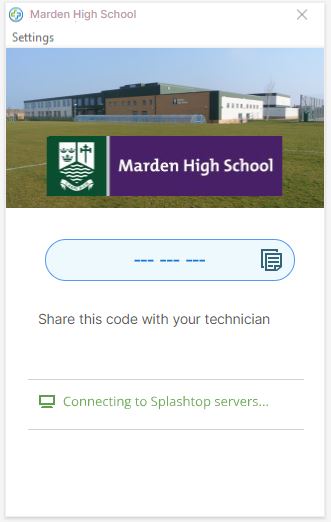
2. This will generate a 9-digit session code. Please provide this to us and we can then connect.
